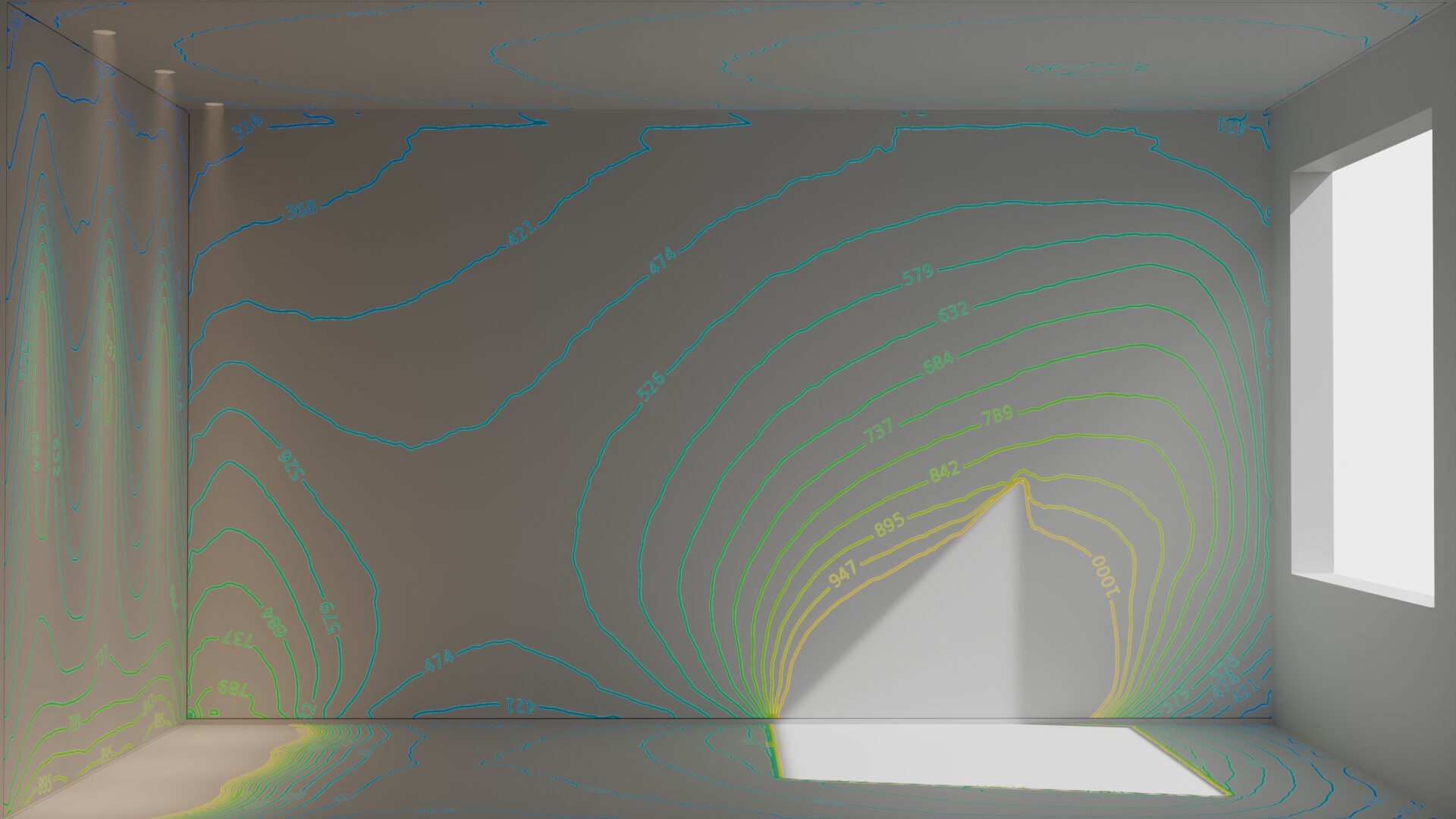
Your analysis data is real Blender data — extend it with Geometry Nodes — make it your vision.
Lighting design software for professional lighting analysis
One add-on — from photometric import to finished report.
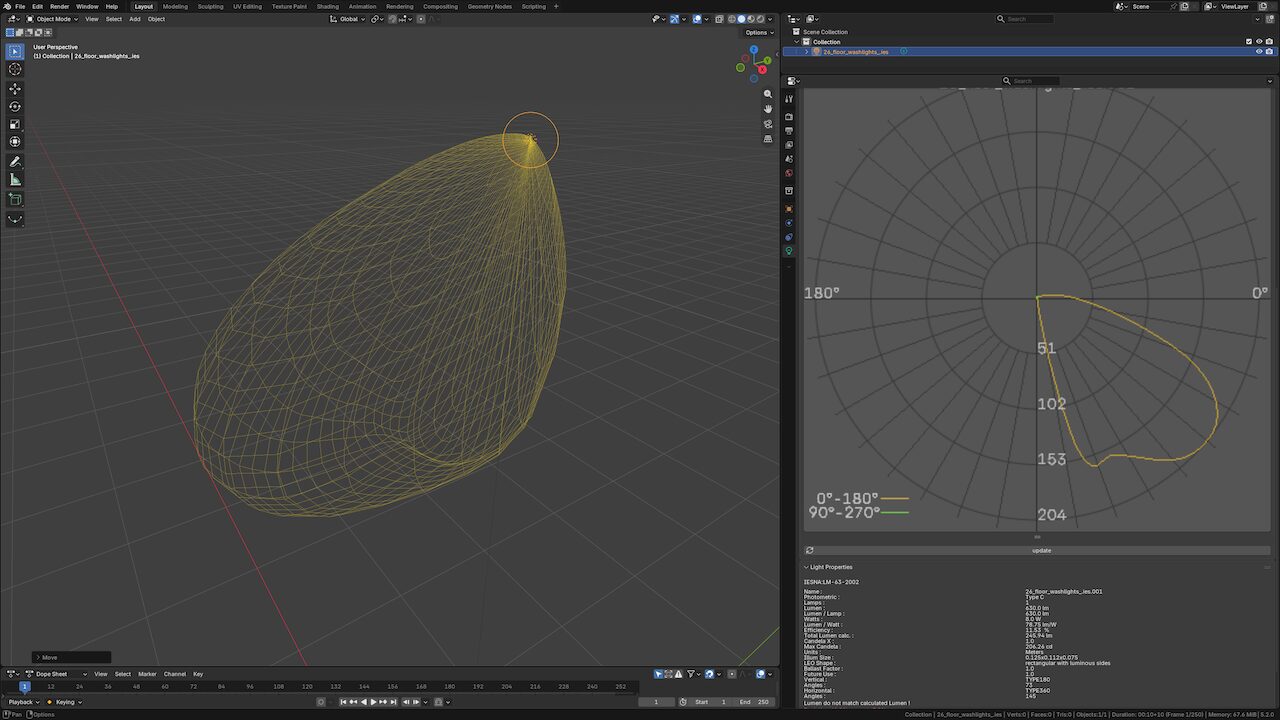
Photometric Lights
Import IES / LDT profiles — or convert any Blender light — and get a true-to-data Cycles light with polar diagram preview and ies / ldt details.
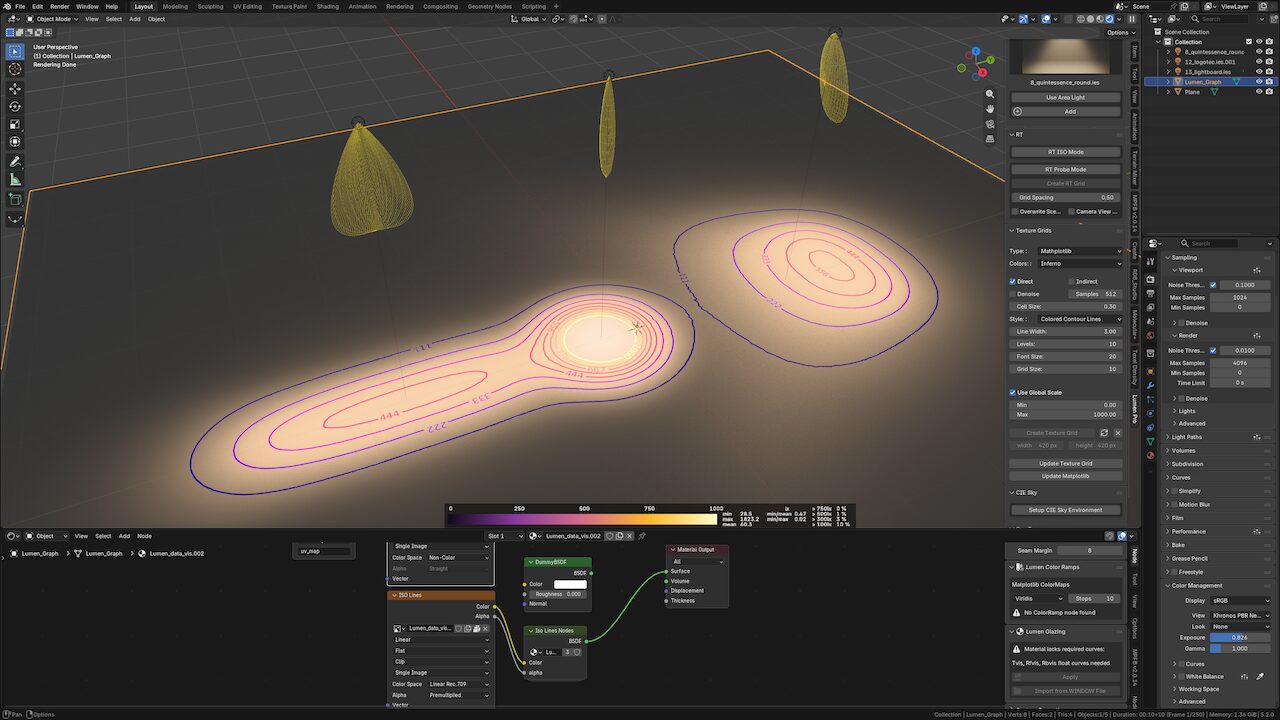
Analysis Planes (Texture Grids)
Bake illuminance to any flat mesh and visualize as texture, bars, values or matplotlib ISO lines. Or click faces on a building to drop analysis planes directly on the surface.
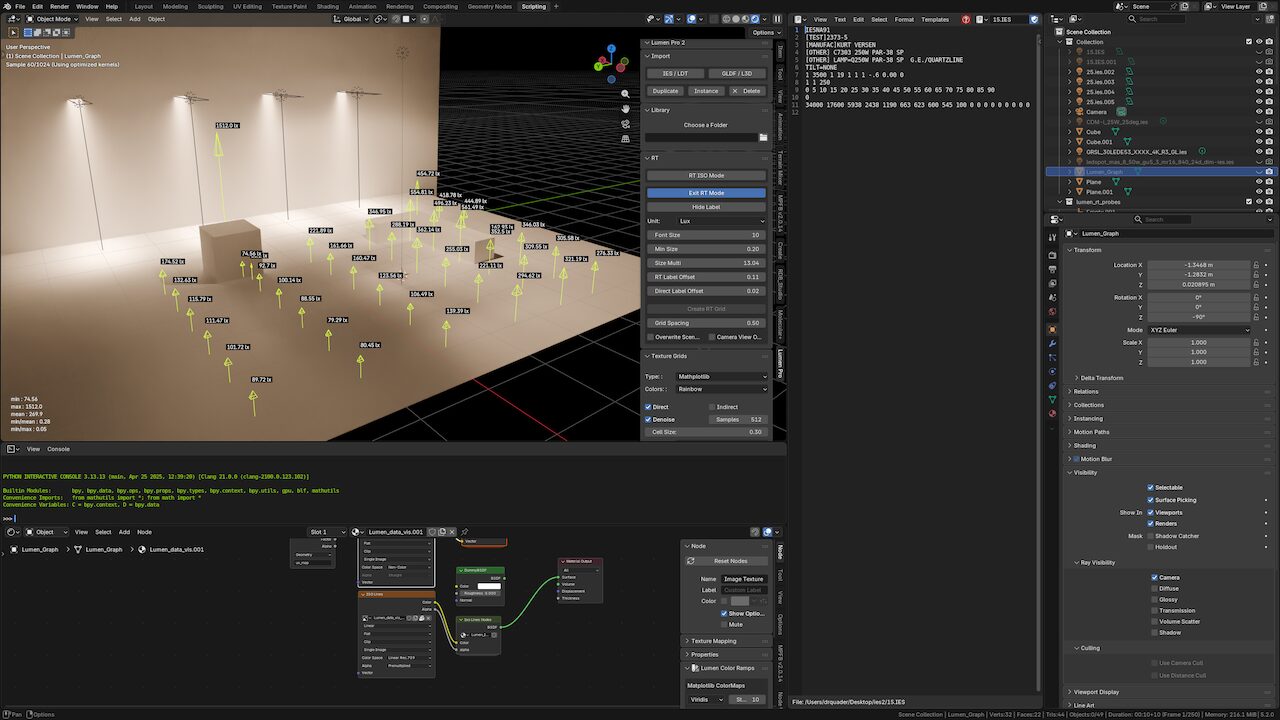
Realtime Tools
Interactive probe, calculation and ISO contour modes with live values and uniformity ratios in the viewport.
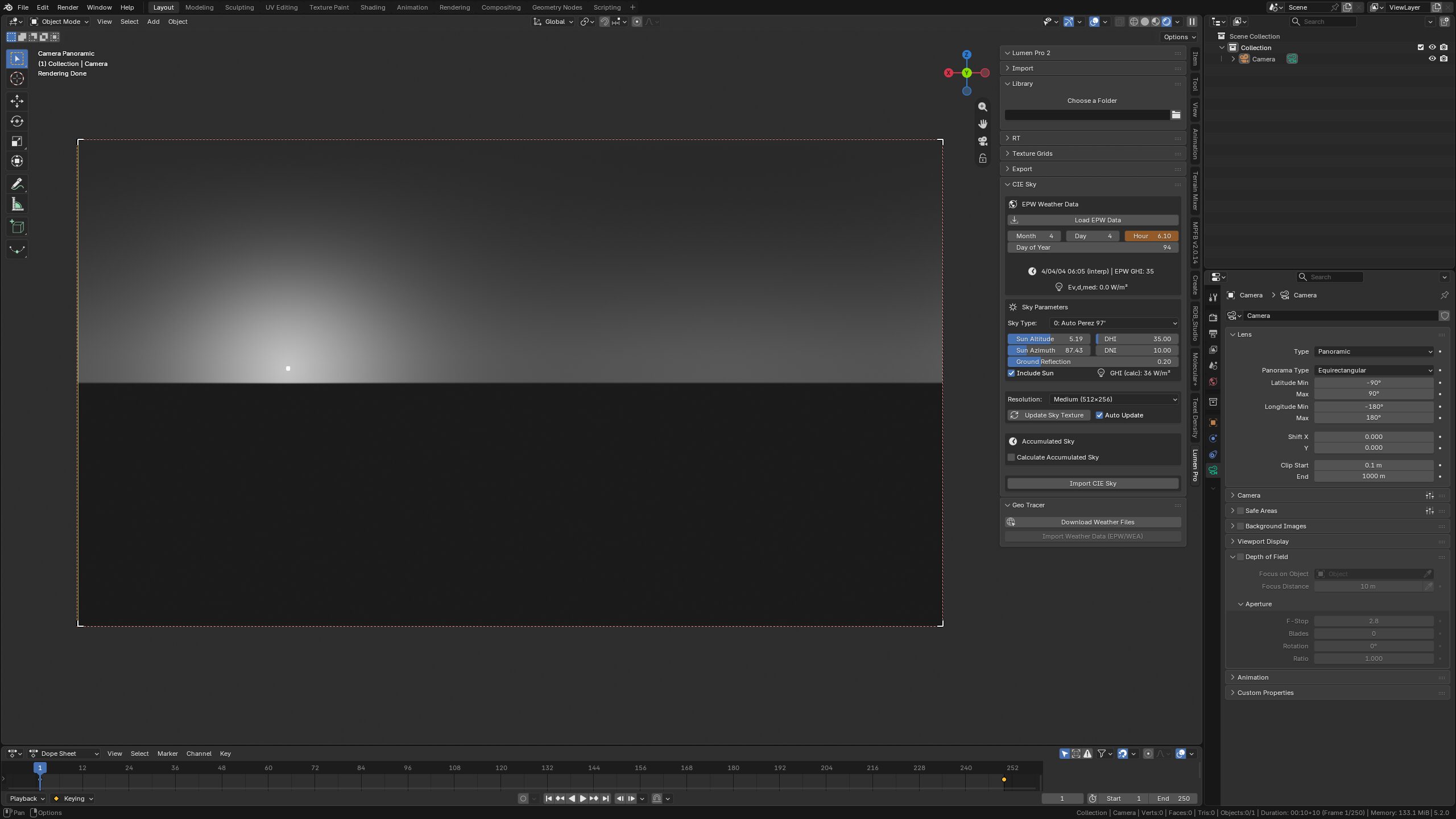
CIE Sky & Weather Data
17 CIE sky types, Perez model, EPW weather files and accumulated skies for daylight studies.
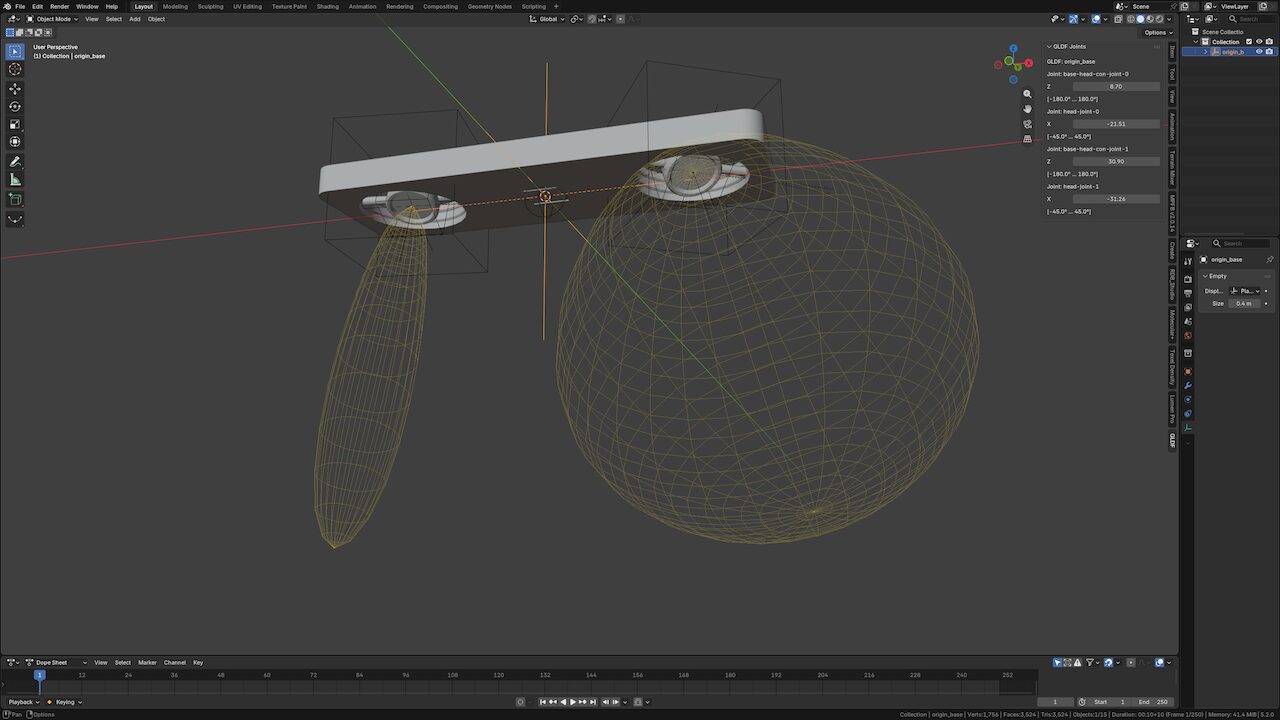
GLDF / L3D & Glazing
Import full GLDF luminaires with adjustable joints and angle-dependent glazing optical data.
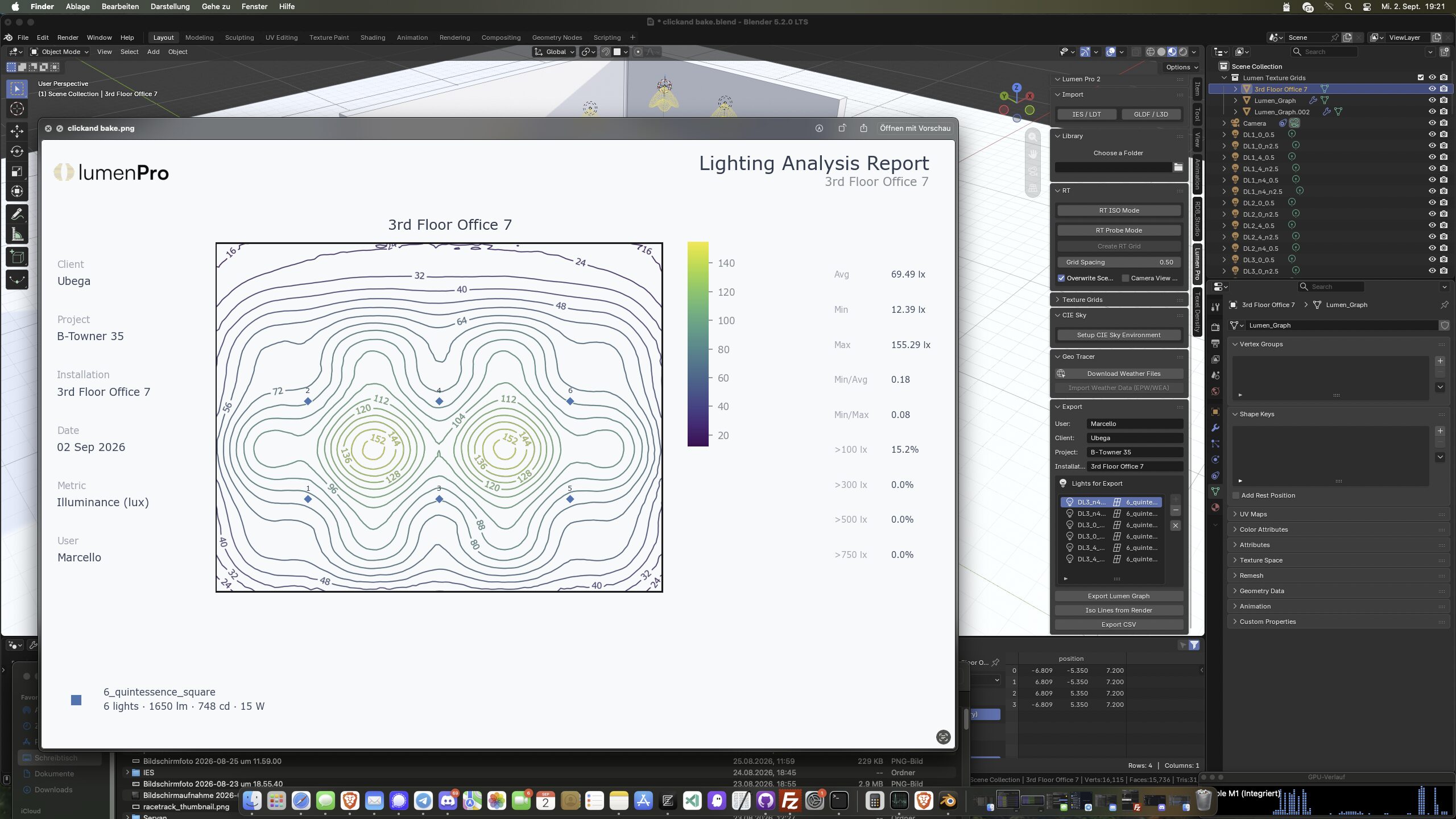
Reports & Export
A4 matplotlib reports, ISO overlays from your render and per-pixel CSV data of any analysis plane.
See our CIE 171:2006 accuracy validation
Ready to analyse illumination data?
Get Lumen Pro 2 and bring photometric analysis into your Blender workflow.
Our Partners
Developed with and trusted by leading institutions.
Wayne State University
Research Partner

Hochschule Biberach
Daylight Studies